Integrate AdTogether
"Show an ad, get an ad shown" — the reciprocal ad exchange designed to increase conversionsand grow your application's audience globally.
Step 1: Create your Developer Account
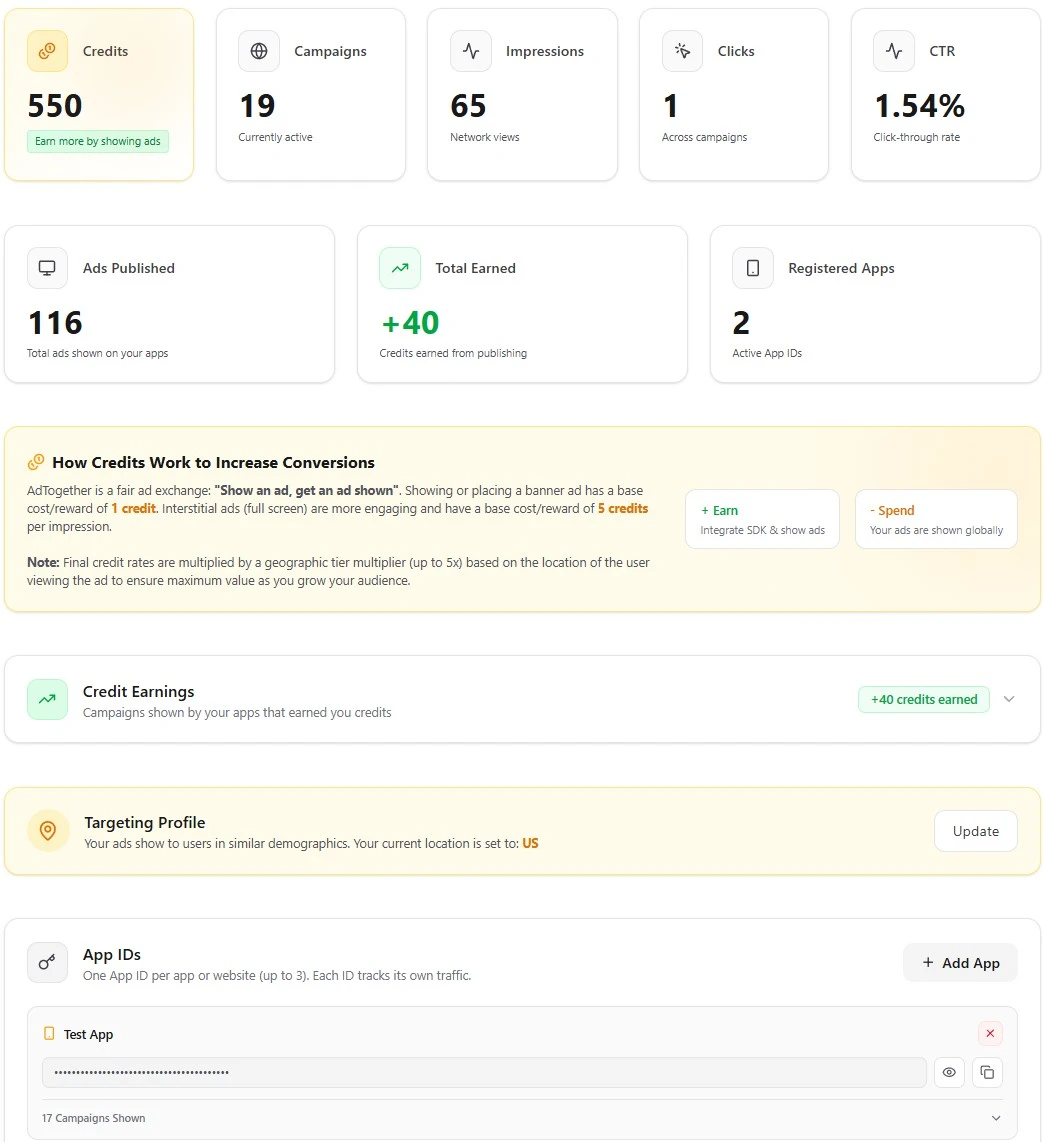
Before integrating an SDK, create or sign in to your developer account. New integrations need an appId from the dashboard. If you already use an App ID created by an older AdTogether version, keep using it and pass it as appId.
* Existing legacy IDs, including values previously called apiKey, remain valid. Find them in the dashboard or retrieve them through the authenticated MCP get_app_config tool.
Are you an AI Coding Assistant?
We have provided optimized, machine-readable documentation files perfectly tuned for LLMs. Scroll down to the Integration Guides section below and click the "LLM" badge next to the platform you are building for to get the specific integration context, endpoints, and code snippets.
Connect to the MCP Server
Account tools use a Firebase ID token from the signed-in account owner. App IDs are public integration identifiers and are never accepted as MCP credentials.
Use Streamable HTTP and send a fresh Firebase ID token in the Authorization header on every request. While signed in as the owner, copy a fresh header below and paste it into a client that supports request headers. Legacy SSE is disabled because it cannot safely carry this credential.
{
  "mcpServers": {
    "adtogether": {
      "command": "npx",
      "args": [
        "-y",
        "mcp-remote@latest",
        "https://www.ad-together.org/api/mcp",
        "--header",
        "Authorization: Bearer YOUR_FRESH_FIREBASE_ID_TOKEN"
      ]
    }
  }
}Standard Ad Formats
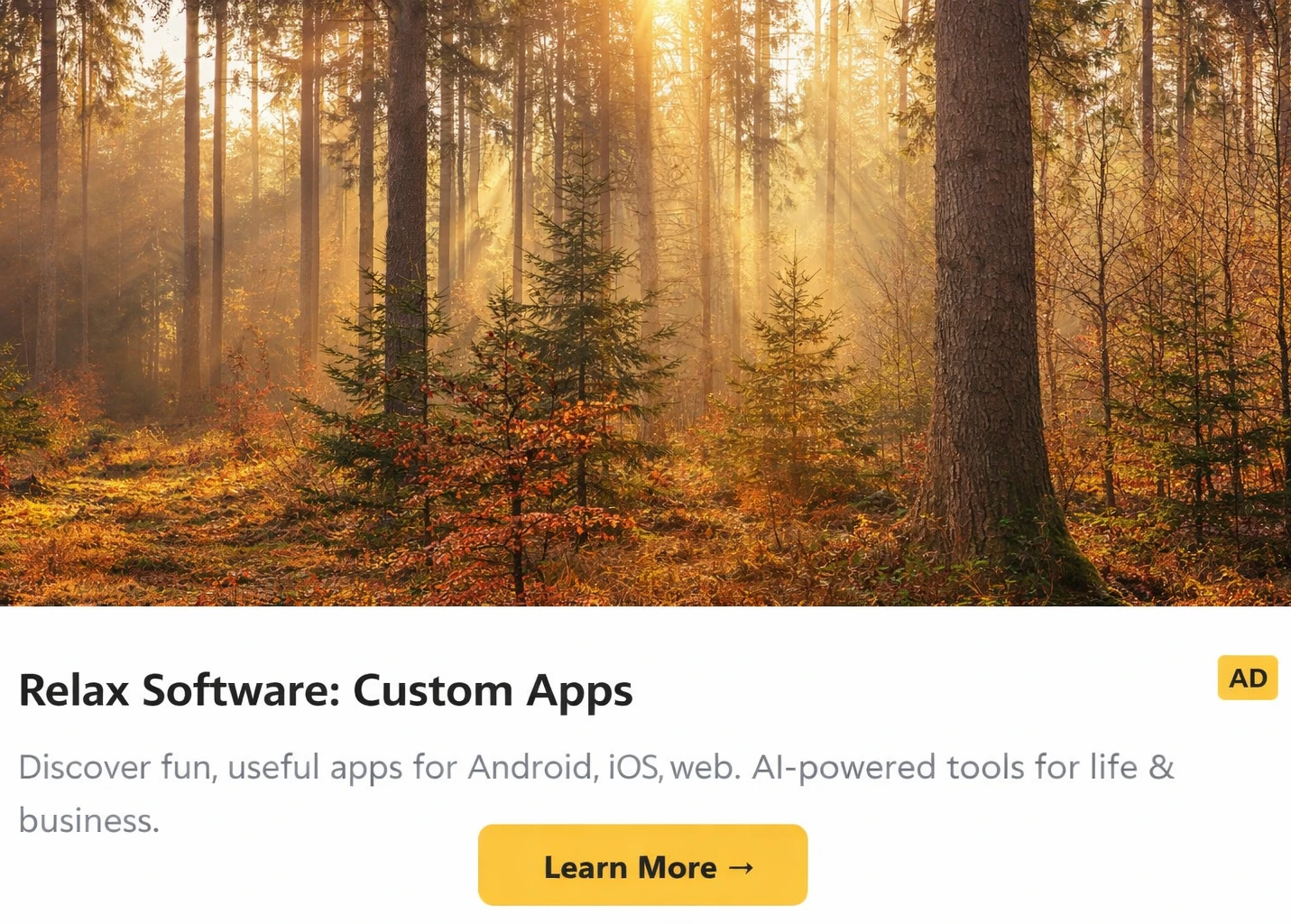
Native Banner
Web & MobileInline banner ads that adapt to their container. Perfect for headers, footers, or content breaks.

Interstitial
Web & MobileFull-screen immersive experiences during natural application transitions.
SDK Architecture
AdTogether is distributed as five SDK packages plus a lightweight HTML snippet for CMS and website builders — each optimized for its target platform. The Flutter SDK is special: it wraps the native Android and iOS cores under the hood, giving Flutter developers a single Dart API that works everywhere.
Developer Entry Points
Platforms Served
How the Flutter SDK works internally
lib/Unified Dart API — AdTogetherBanner, AdTogetherInterstitial, initialization.
android/Kotlin plugin — uses Platform Channels to call the native Android ad renderer.
ios/Swift plugin — uses Platform Channels to call the native iOS ad renderer.
On Flutter Web, the SDK renders ads using an HtmlElementView that loads the Web SDK (sdk.js) under the hood — no native plugin required.
Integration Guides
CMS & Website Builders
Step-by-step guides for popular no-code platforms.
Add ads to WordPress
- Open your Page or Post editor: Navigate to the page or post where you want the ad to appear.
- Add a Custom HTML Block: Click the '+' button to add a new block, search for 'Custom HTML', and add it to your layout.
- Paste your code: Copy the HTML snippet below and paste it into the block. Click 'Preview' to test it.
Universal HTML Snippet
<!-- Load AdTogether SDK -->
<script src="https://www.ad-together.org/sdk.js" data-app-id="YOUR_APP_ID" defer></script>

<!-- Ad Banner Container -->
<div
  data-ad-unit="YOUR_AD_UNIT_ID"
  style="width: 100%; min-height: 50px;"
></div>Web SDK
LLMEmbed ads into any webpage using our lightweight script. Zero dependencies — works with any framework.
Distribution
NPM Package (React/Next.js) or CDN-hosted script tag.
1. Install (React/Next.js)
npm install @adtogether/web-sdk2. Usage (React)
"use client";
import { useState } from 'react';
import { AdTogether } from '@adtogether/web-sdk';
import { AdTogetherBanner, AdTogetherInterstitial } from '@adtogether/web-sdk/react';

if (typeof window !== 'undefined') {
  AdTogether.initialize({ appId: 'YOUR_APP_ID' });
}

export default function MyComponent() {
  const [showAd, setShowAd] = useState(false);

  return (
    <div>
      {/* Banner Ad */}
      <AdTogetherBanner
        adUnitId="YOUR_AD_UNIT_ID"
        onAdLoaded={() => console.log('Ad loaded!')}
      />

      {/* Interstitial Ad */}
      <button onClick={() => setShowAd(true)}>Show Interstitial</button>
      <AdTogetherInterstitial
        adUnitId="YOUR_AD_UNIT_ID"
        isOpen={showAd}
        onClose={() => setShowAd(false)}
        onAdLoaded={() => console.log('Interstitial loaded!')}
      />
    </div>
  );
}
Alternative: Plain HTML (CDN)
<script src="https://www.ad-together.org/sdk.js" data-app-id="YOUR_APP_ID" defer></script>
<!-- Banner Ad -->
<div id="adtogether-ad" data-ad-unit="YOUR_AD_UNIT_ID"></div>Flutter SDK
LLMOne Dart package — full cross-platform coverage. Uses native platform channels on mobile and the Web SDK under the hood for Flutter Web.
Distribution
pub.dev package
1. Install
flutter pub add adtogether_sdk2. Initialize
import 'package:adtogether_sdk/adtogether_sdk.dart';

void main() async {
  WidgetsFlutterBinding.ensureInitialized();
  await AdTogether.initialize(appId: 'YOUR_APP_ID');
  runApp(MyApp());
}
3. Show Ad
// Show Banner
AdTogetherBanner(
  adUnitId: 'YOUR_AD_UNIT_ID',
  size: AdSize.banner,
  onAdLoaded: () => print('Ad loaded!'),
  onAdFailedToLoad: (e) => print('Error: $e'),
)

// Show Interstitial
AdTogetherInterstitial.show(
  context: context,
  adUnitId: 'YOUR_AD_UNIT_ID',
  closeDelay: const Duration(seconds: 3),
  onAdLoaded: () => print('Interstitial loaded!'),
);Native iOS SDK
LLMPure Swift SDK for native iOS and iPadOS apps with built-in Apple App Attest support. Distributed via Swift Package Manager and CocoaPods.
Distribution
Swift Package Manager or CocoaPods
1. Add Package
.package(
  url: "https://github.com/undecided2003/AdTogether.git",
  from: "0.6.2"
)
CocoaPods alternative
pod 'AdTogether', '~> 0.6.2'2. Initialize & Display
import AdTogether

@main
struct MyApp: App {
    init() {
        AdTogether.initialize(appId: "YOUR_APP_ID")
    }

    var body: some Scene {
        WindowGroup { ContentView() }
    }
}

struct ContentView: View {
    @State private var showAd = false

    var body: some View {
        VStack {
            Text("My App")

            // Banner Ad
            AdTogetherView(
                adUnitId: "YOUR_AD_UNIT_ID",
                onAdLoaded: { print("Ad loaded!") }
            )
            .frame(height: 50)

            // Interstitial Ad
            Button("Show Interstitial") {
                showAd = true
            }
            .fullScreenCover(isPresented: $showAd) {
                AdTogetherInterstitialView(
                    adUnitId: "YOUR_AD_UNIT_ID",
                    closeDelay: 3,
                    onAdLoaded: { print("Interstitial loaded!") }
                ) { showAd = false }
            }
        }
    }
}Native Android SDK
LLMKotlin-first SDK for native Android apps with Google Play Integrity attestation. Distributed via Maven Central.
Distribution
Maven Central — add to build.gradle.kts
1. Add Dependency
dependencies {
    implementation("com.relaxsoftwareapps.adtogether:adtogether-sdk:0.6.2")
}
2. Initialize & Display
import com.adtogether.sdk.AdTogether
import com.adtogether.sdk.views.AdTogetherView
import com.adtogether.sdk.views.AdTogetherInterstitial

class MyApp : Application() {
    override fun onCreate() {
        super.onCreate()
        AdTogether.initialize(this, "YOUR_APP_ID")
    }
}

@Composable
fun MainScreen() {
    var showAd by remember { mutableStateOf(false) }

    Column {
        Text("My App")

        // Banner Ad
        AdTogetherView(
            adUnitId = "YOUR_AD_UNIT_ID",
            modifier = Modifier.fillMaxWidth().height(50.dp),
            onAdLoaded = { println("Ad loaded!") }
        )

        // Interstitial Ad
        Button(onClick = { showAd = true }) {
            Text("Show Interstitial")
        }

        if (showAd) {
            AdTogetherInterstitial(
                adUnitId = "YOUR_AD_UNIT_ID",
                closeDelay = 3,
                onDismiss = { showAd = false },
                onAdLoaded = { println("Interstitial loaded!") }
            )
        }
    }
}
React Native SDK
LLMOfficial support for React Native applications. Easy drop-in components to monetize your mobile apps.
Distribution
NPM Package
1. Install
npm install @adtogether/react-native-sdk2. Initialize
import { AdTogether } from '@adtogether/react-native-sdk';

// Call before rendering ad components
AdTogether.initialize({ appId: 'YOUR_APP_ID' });
3. Usage
import { useState } from 'react';
import { View, Button } from 'react-native';
import {
  AdTogetherBanner,
  AdTogetherInterstitial
} from '@adtogether/react-native-sdk';

export default function MyScreen() {
  const [showAd, setShowAd] = useState(false);

  return (
    <View style={{ flex: 1 }}>
      {/* Banner Ad */}
      <AdTogetherBanner
        adUnitId="YOUR_AD_UNIT_ID"
        onAdLoaded={() => console.log('Ad loaded!')}
      />

      {/* Interstitial Ad */}
      <Button
        title="Show Interstitial"
        onPress={() => setShowAd(true)}
      />

      <AdTogetherInterstitial
        adUnitId="YOUR_AD_UNIT_ID"
        isOpen={showAd}
        onClose={() => setShowAd(false)}
        onAdLoaded={() => console.log('Interstitial loaded!')}
      />
    </View>
  );
}